- Get link
- X
- Other Apps
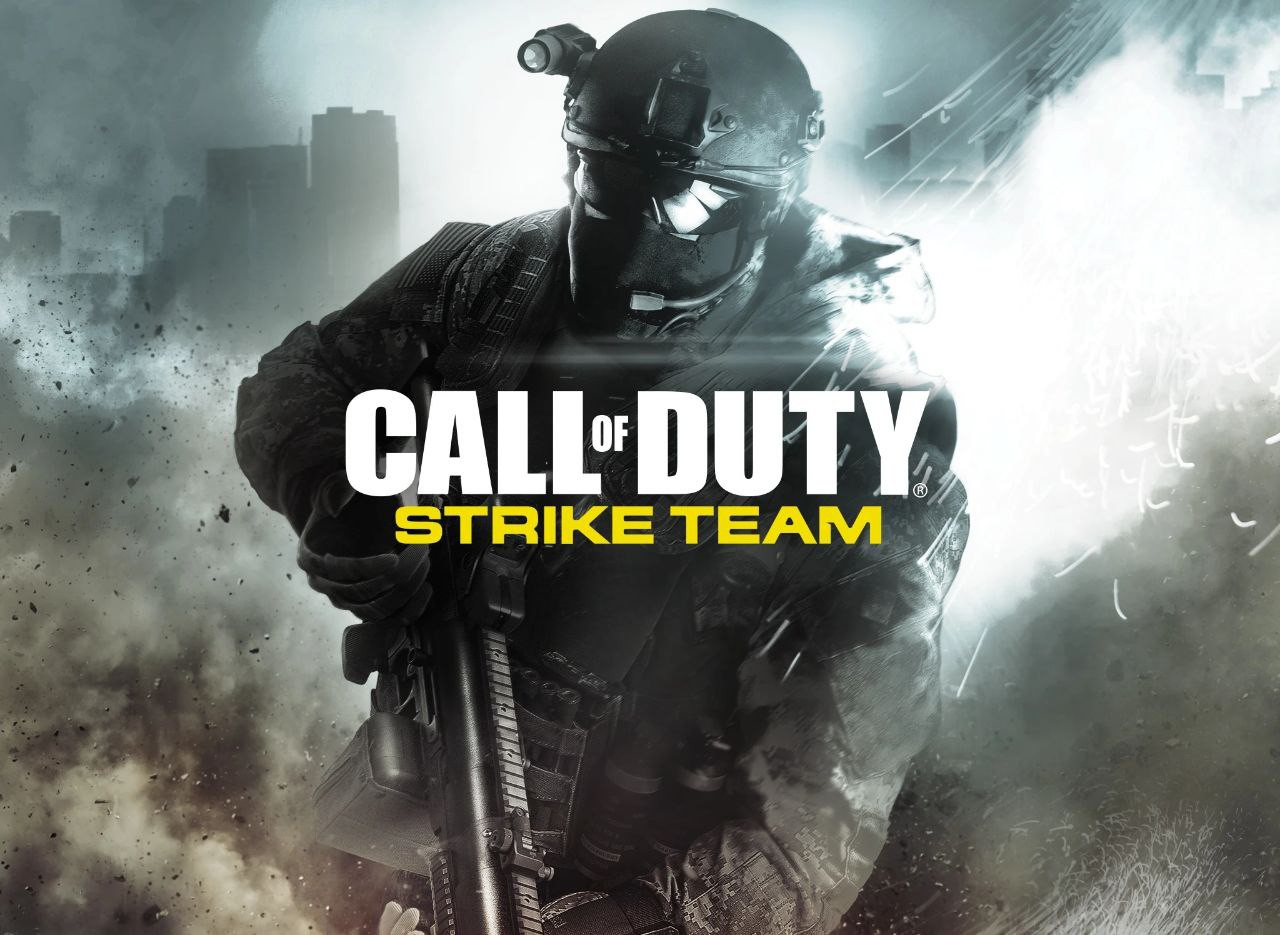
Call of Duty: Strike Team (Android) Offline
Call of Duty: Strike Team brings the Call of Duty experience to Android with a single-player campaign combining first-person and third-person gameplay. This version uses separate APK and OBB files and is designed for offline gameplay.
🎮 Game Info
• Platform: Android
• Mode: Offline
• Genre: Action / FPS / Third-Person Shooter
• Developer: Activision
• Installation: APK + OBB
• Tested Android Version: Android 11
• Platform: Android
• Mode: Offline
• Genre: Action / FPS / Third-Person Shooter
• Developer: Activision
• Installation: APK + OBB
• Tested Android Version: Android 11
Android Requirements
| Requirement | Recommended |
|---|---|
| Android | Android 11 tested |
| RAM | 2GB+ |
| Storage | At least 1.5GB free |
| Game Files | APK + OBB |
| Internet | Not required for offline gameplay |
⚠️ Android 11 Compatibility:
This version has been tested on Android 11. Call of Duty: Strike Team is an older Android title, so compatibility on newer Android versions can vary. If the game crashes or fails to detect its files, check the OBB folder placement carefully.
This version has been tested on Android 11. Call of Duty: Strike Team is an older Android title, so compatibility on newer Android versions can vary. If the game crashes or fails to detect its files, check the OBB folder placement carefully.
Download Files
Installation Guide
- Download both the APK and OBB ZIP files above.
- Extract the downloaded OBB ZIP using a file manager such as ZArchiver.
-
Inside the extracted files, locate the folder:
com.activision.callofduty.striketeam -
Move that folder to:
/Android/obb/ - Install the Call of Duty: Strike Team APK.
- Do not move or rename the OBB folder. The package folder needs to remain inside Android/obb.
- Launch the game and wait for it to load its installed files.
- Enjoy Call of Duty: Strike Team offline.
📁 Correct OBB Location
        Internal Storage/

        └── Android/

            └── obb/

                └── com.activision.callofduty.striketeam/

                    └── main...obb
Setup Tutorial
🟢 Offline Gameplay
Call of Duty: Strike Team is an older offline-focused Android title. Once the APK and required OBB files are installed correctly, the game can be played without an internet connection.
Call of Duty: Strike Team is an older offline-focused Android title. Once the APK and required OBB files are installed correctly, the game can be played without an internet connection.
Note:
Android 11 has been tested with this version. Because Strike Team is
an older application, newer Android versions may have additional
compatibility or storage-access issues. The key requirement is that
the OBB folder is placed in the correct package directory.
- Get link
- X
- Other Apps
 Join Telegram Channel
 YouTube channel


Comments
Post a Comment