- Get link
- X
- Other Apps
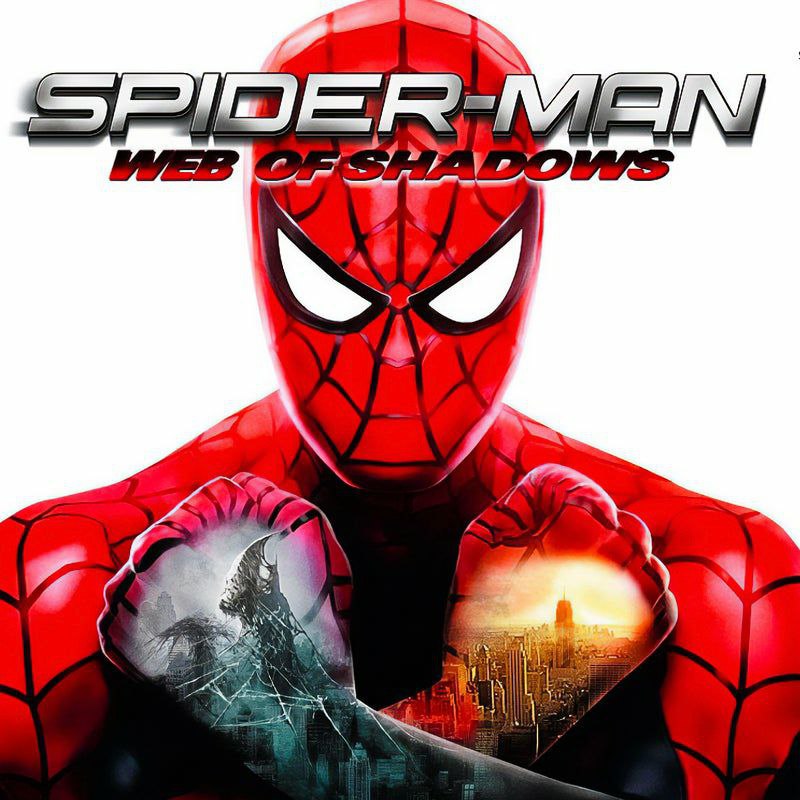
Spider-Man: Web of Shadows (Wii) – Dolphin Emulator Android
Spider-Man: Web of Shadows is an action-adventure game featuring Spider-Man battling a symbiote invasion across New York City. This is the Nintendo Wii version, playable on Android through the Dolphin Emulator.
🕷️ Game Info
• Platform: Nintendo Wii
• Emulator: Dolphin Emulator
• Android: Offline
• Player: Single Player
• Genre: Action / Adventure
• Controller: Classic Control included
• Platform: Nintendo Wii
• Emulator: Dolphin Emulator
• Android: Offline
• Player: Single Player
• Genre: Action / Adventure
• Controller: Classic Control included
Android Requirements
| Requirement | Recommended |
|---|---|
| RAM | 4GB+ |
| Processor | Snapdragon 720G or better |
| GPU | Adreno GPU |
| Emulator | Dolphin Emulator |
| Android | 64-bit Android |
🎮 Compatibility:
Dolphin officially supports 64-bit Android devices, and its compatibility database currently lists Spider-Man: Web of Shadows (Wii) as Perfect. The game itself does not require special non-default Dolphin settings according to the Dolphin game wiki.
Dolphin officially supports 64-bit Android devices, and its compatibility database currently lists Spider-Man: Web of Shadows (Wii) as Perfect. The game itself does not require special non-default Dolphin settings according to the Dolphin game wiki.
⚡ Performance Tip:
A Snapdragon 720-class device can vary considerably depending on Dolphin version, graphics drivers, temperature and settings. Start at 1x internal resolution and increase it only if the game remains full speed. Dolphin notes that higher internal resolutions can noticeably reduce performance on mobile devices.
A Snapdragon 720-class device can vary considerably depending on Dolphin version, graphics drivers, temperature and settings. Start at 1x internal resolution and increase it only if the game remains full speed. Dolphin notes that higher internal resolutions can noticeably reduce performance on mobile devices.
Download Files
Installation & Setup Guide
- Install the supplied Dolphin Emulator APK.
- Download the Spider-Man: Web of Shadows Wii game file and place it in a folder that Dolphin can access.
- Open Dolphin and grant it access to the folder containing the game.
- Add the game directory to Dolphin's game list.
- Launch Spider-Man: Web of Shadows.
- If you want the supplied controller configuration, extract the Classic Control archive and configure the controls according to the included files.
- Start with 1x resolution. If performance is stable, you can try increasing the internal resolution.
🎮 Controls:
The supplied Classic Control file is intended to make the Wii version easier to play with a traditional controller layout. Configure/import it in Dolphin before starting the game.
The supplied Classic Control file is intended to make the Wii version easier to play with a traditional controller layout. Configure/import it in Dolphin before starting the game.
🟢 Offline Gameplay
Spider-Man: Web of Shadows is a single-player Wii game, so once the game dump and emulator are installed, no internet connection is required for normal gameplay.
Spider-Man: Web of Shadows is a single-player Wii game, so once the game dump and emulator are installed, no internet connection is required for normal gameplay.
Note:
Dolphin recommends using a 64-bit Android device. Performance can
differ between phones even when they use similar chipsets because
emulator performance depends on CPU speed, GPU drivers and the
Dolphin configuration.
- Get link
- X
- Other Apps
 Join Telegram Channel
 YouTube channel


Comments
Post a Comment